Connect Semrush to ApexGenius with an API key and read domain, keyword, backlink, traffic and project reports from your AI. Each report spends API units.
Status: Available. Connect one Semrush account per saved connection with
a Semrush API key. ApexGenius routes your AI to Semrush’s official MCP server,
which is read-only. Every report spends API units from your Semrush plan, the
same as a direct Semrush API request.Explore the Semrush connector.
SEO data: Semrush One Starter, Semrush One Pro+, SEO Classic Pro or SEO
Classic Guru. These plans include 50,000 API units that refresh on your
renewal date.
SEO Classic Business or Semrush One Advanced: add an API units package.
Traffic and market data: any Trends API plan, Basic or Premium.
Check your plan and unit balance in Semrush under My Profile > Subscription
info > Summary. Semrush’s plan list lives in the
Semrush MCP documentation.
A Semrush plan with API access. SEO data needs Semrush One Starter or Pro+, or SEO Classic Pro or Guru. SEO Classic Business and Semrush One Advanced need an API units package. Traffic and market data need a Trends API plan.
A Semrush API key from your Semrush profile under API Keys.
1
Copy an API key in Semrush
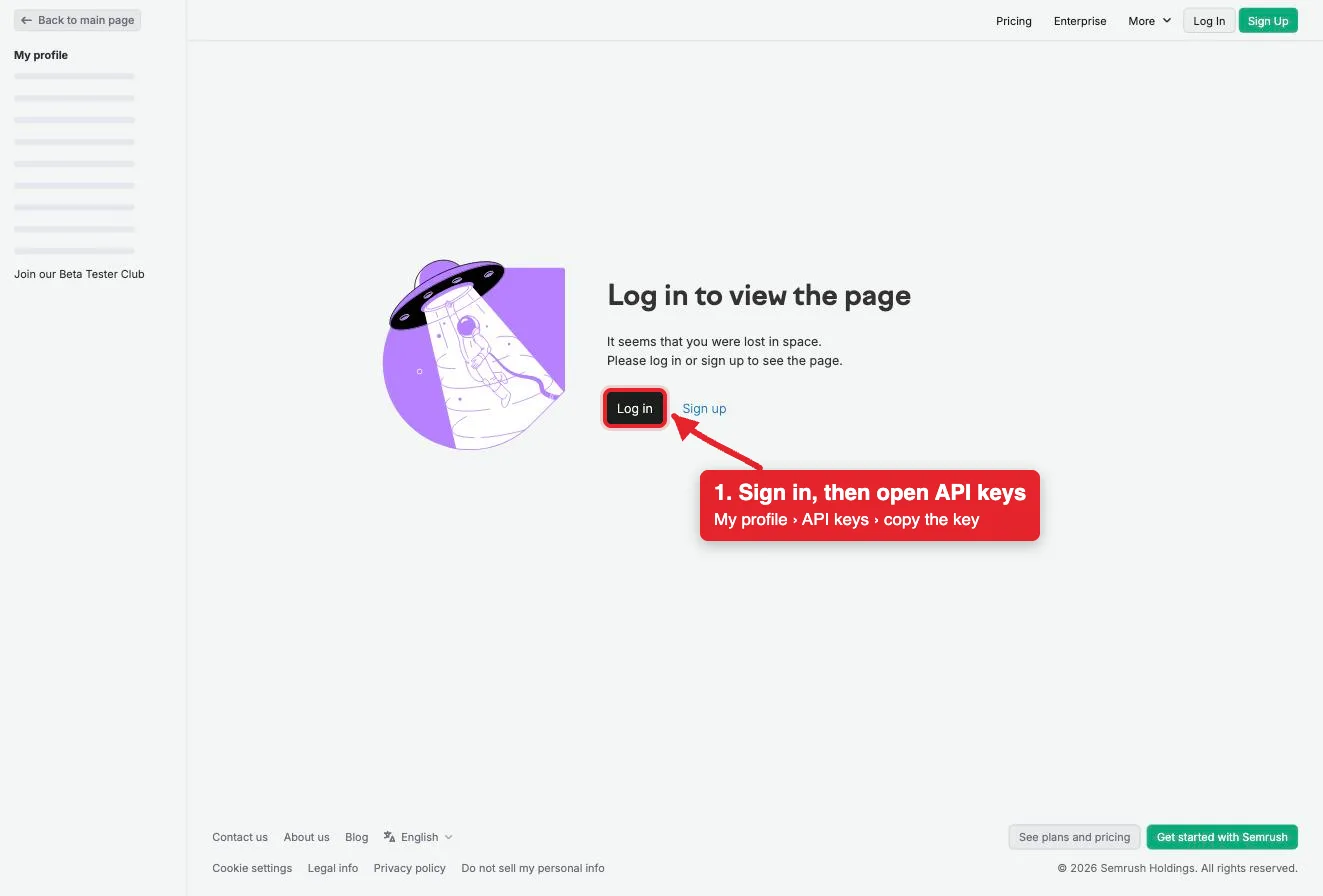
In Semrush, click your profile icon at the top right, then choose API Keys in the My profile sidebar. Copy an existing key, or choose + Create API key for a new v4 key. A new key is shown in full only once, so copy it right away.
The API keys page asks you to log in first. After you sign in, copy a key from My profile, API Keys.
2
Open Semrush in Connections
Sign in to ApexGenius, open Connections, choose Semrush, and select Connect.
3
Enter the API key
Paste the key. ApexGenius supplies the mcp.semrush.com address, checks the key with Semrush’s MCP, and stores it encrypted.
4
Check the connection
Open Tools, then ask your AI the question below. Compare the answer with Semrush and check Tool Activity.
Try a first question with your AI agent
Show a Semrush domain overview for my website in the US database. Run only that one report.
Compare the numbers with Domain Overview in Semrush. Every report spends Semrush API units, including this one. Check your balance under My Profile > Subscription info > Summary.
Open Skills on the connection to read Semrush, or read that MCP prompt
in a compatible AI client. It explains how to find a report, read its
parameters, and run it with as few rows as the question needs.Three ApexGenius tools route Semrush’s live MCP catalog:
Any discovered tool Semrush does not mark read-only
Logged as a write; Semrush’s MCP has no write tools
The twelve research tools find the reports you can run. get_report_schema
reads a report’s parameters, and execute_report runs it. Your AI discovers
the tools with apex_search_tools and calls them with apex_call_read_tool.
Each report uses Semrush API units, depending on the report type and how much
data it returns. Semrush charges no extra fee for MCP. Ask for fewer rows to
spend fewer units. ApexGenius cannot restore units a report already spent.
Semrush’s MCP only reads. It can read your projects but cannot create
projects, change settings or edit data, so there is nothing to undo.
Disconnecting stops ApexGenius access. Manage or revoke the key itself in
Semrush under API Keys.