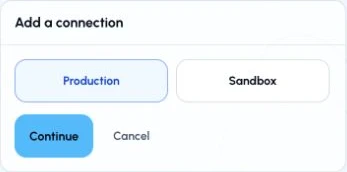
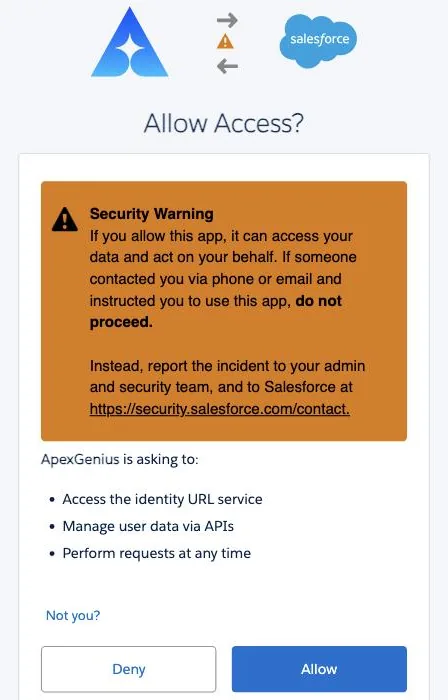
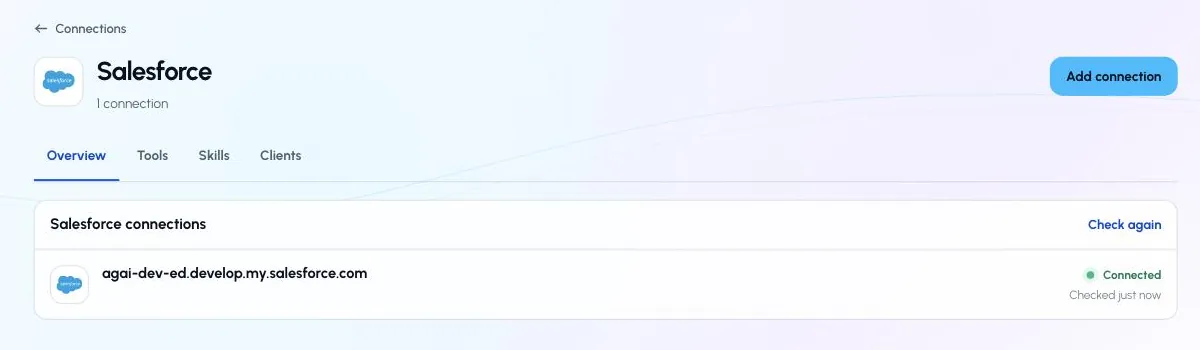
Connect a Salesforce org to ApexGenius: choose Production or Sandbox, sign in with Salesforce OAuth and check the connected org, with real screenshots.
Status: Available. Each Salesforce connection represents one authorized org. Production and sandbox orgs can be saved as separate connections.ApexGenius supplies the Salesforce OAuth client. Your normal connection flow does not require a consumer key or consumer secret.
Salesforce applies the permissions of the user who authorizes the connection. ApexGenius cannot grant Salesforce access that the connected user does not already have.To revoke access from Salesforce, open Setup → External Client Apps OAuth Usage and revoke the applicable ApexGenius token. You can also disconnect the corresponding Salesforce connection in ApexGenius.