Authorize read-only GA4 access, choose properties, and query standard or realtime reports through the ApexGenius gateway. Use it from Claude, ChatGPT or Codex.
Status: Available. Google Analytics uses the official Google Analytics Admin and Data APIs with the analytics.readonly scope. Only the GA4 properties enabled on the connection are available to the route.Explore the Google Analytics connector.Use this connection from Claude, ChatGPT, Codex, Grok Bot, Muse or another compatible AI agent. Each agent needs its own ApexGenius setup once; start with Claude, ChatGPT or Codex.
Review the Google consent screen and authorize read-only Analytics access.
Return to the connection details and refresh provider resources.
Enable only the GA4 properties the MCP gateway should expose.
Run a small standard report and a realtime report as smoke tests.
The connector can discover GA4 properties, run standard reports, run realtime reports, and read supported property-relative Data and Admin endpoints. It does not request an Analytics write scope, and Admin operations are GET-only.
Read-only by design.Some Google Analytics reporting calls use HTTP POST because the report definition is a request body. They remain reads. The ApexGenius adapter rejects write methods and does not expose GA4 configuration mutations.
How to connect Google Analytics
Before you start
An account with permission to use the Google Analytics resources you intend to connect.
1
Open Google Analytics in Connections
Choose Connect, or Add connection when offered. Give the connection a name if prompted. If Gateway setup pending appears, contact ApexGenius support before continuing.
2
Choose the account and review access
Choose the Google account with access to your GA4 properties. Review the read-only Analytics access requested by Google and return to ApexGenius.
3
Review the connected account and resources
Find Allowed resources on the connection page or its Tools tab. Choose Refresh and enable only the GA4 properties you want to report on. Resource selection does not add permissions to the Google account.
4
Check the connection
Use Test connection or Check again and read the reported status. Add an AI agent from the AI agents page, choose Read only for the first test, and try the question below.
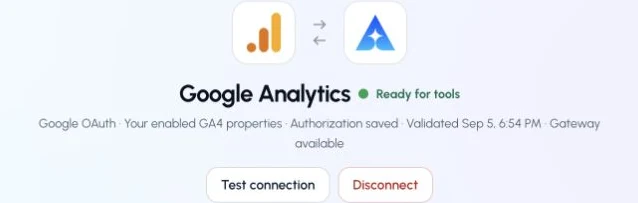
This captured Google Analytics connection reports ready. Check your own connection and its latest validation before using tools.
Try a first question with your AI agent
List the GA4 properties enabled for me. Do not change anything.